Create Empty GitHub Repository
This guide shows how to create a new empty repository on GitHub.
1. Create a New Repository
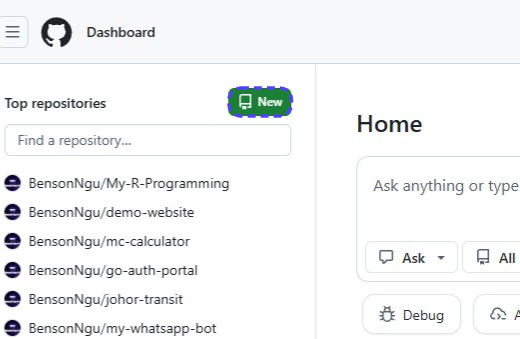
Go to GitHub and click the New button at the top of the left sidebar to create a new repository.
2. Name Your Repository
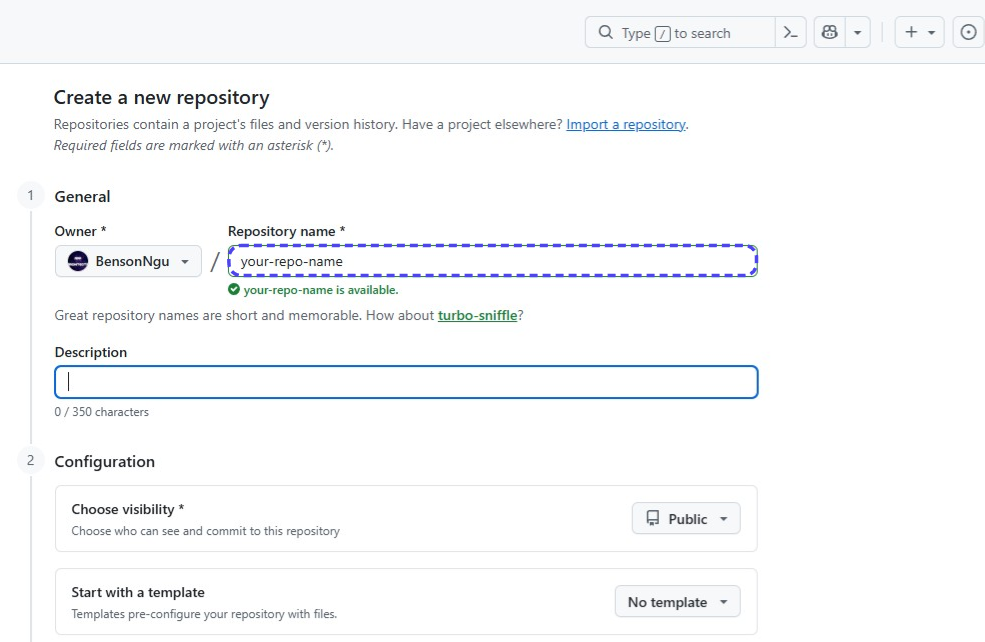
Enter a name for your repository.
3. Add a Description
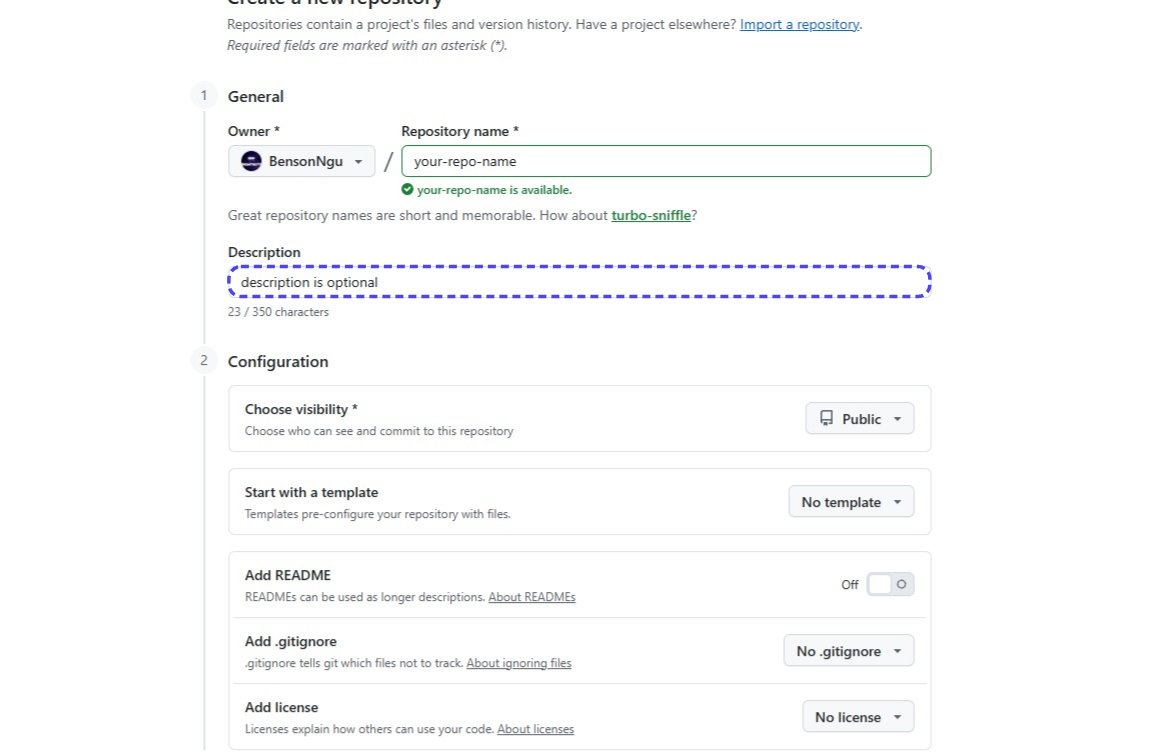
Optionally, enter a short description explaining the purpose of the repository.
4. Configure the Repository
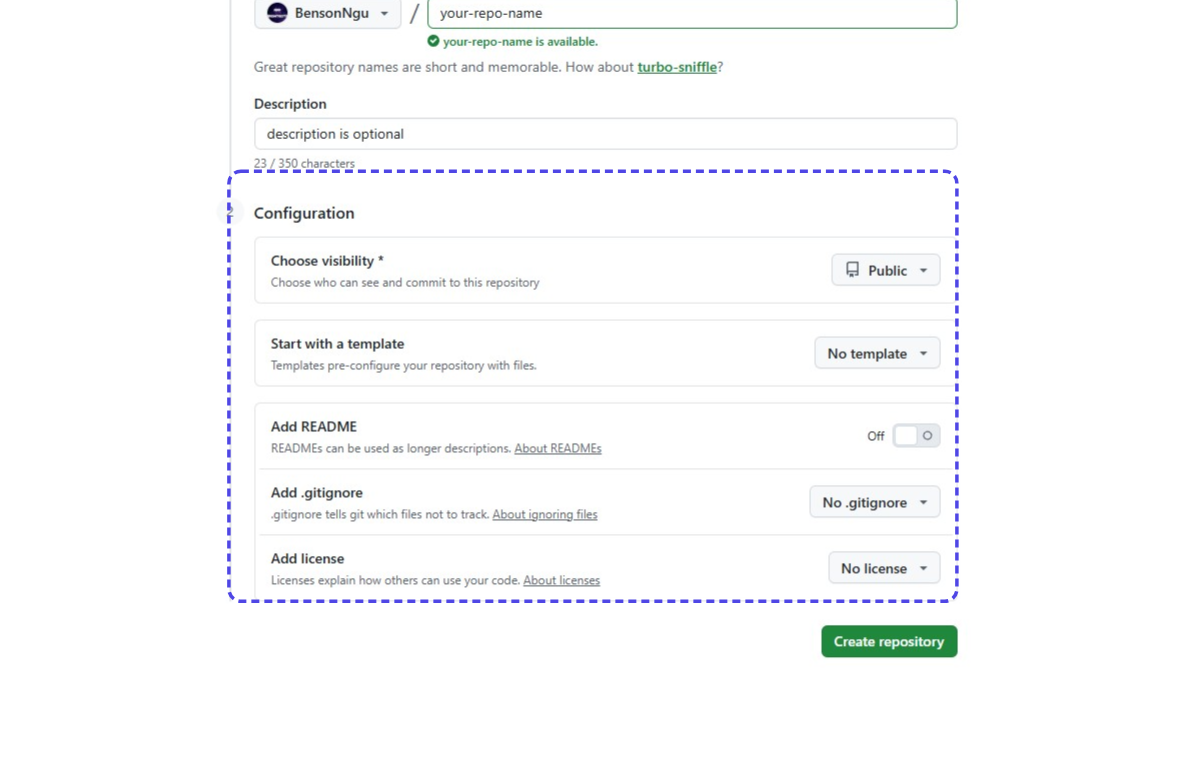
Choose whether the repository should be Public or Private.
Since we want to create an empty repository, leave the following options unchecked:
- Add a README file
- Add
.gitignore - Choose a license
5. Create the Repository
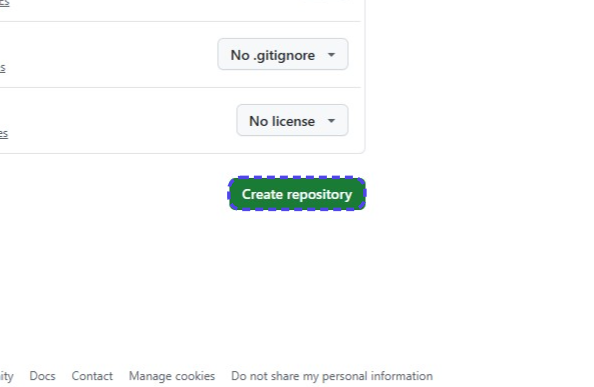
Click the Create repository button.
6. Get the Repository URL
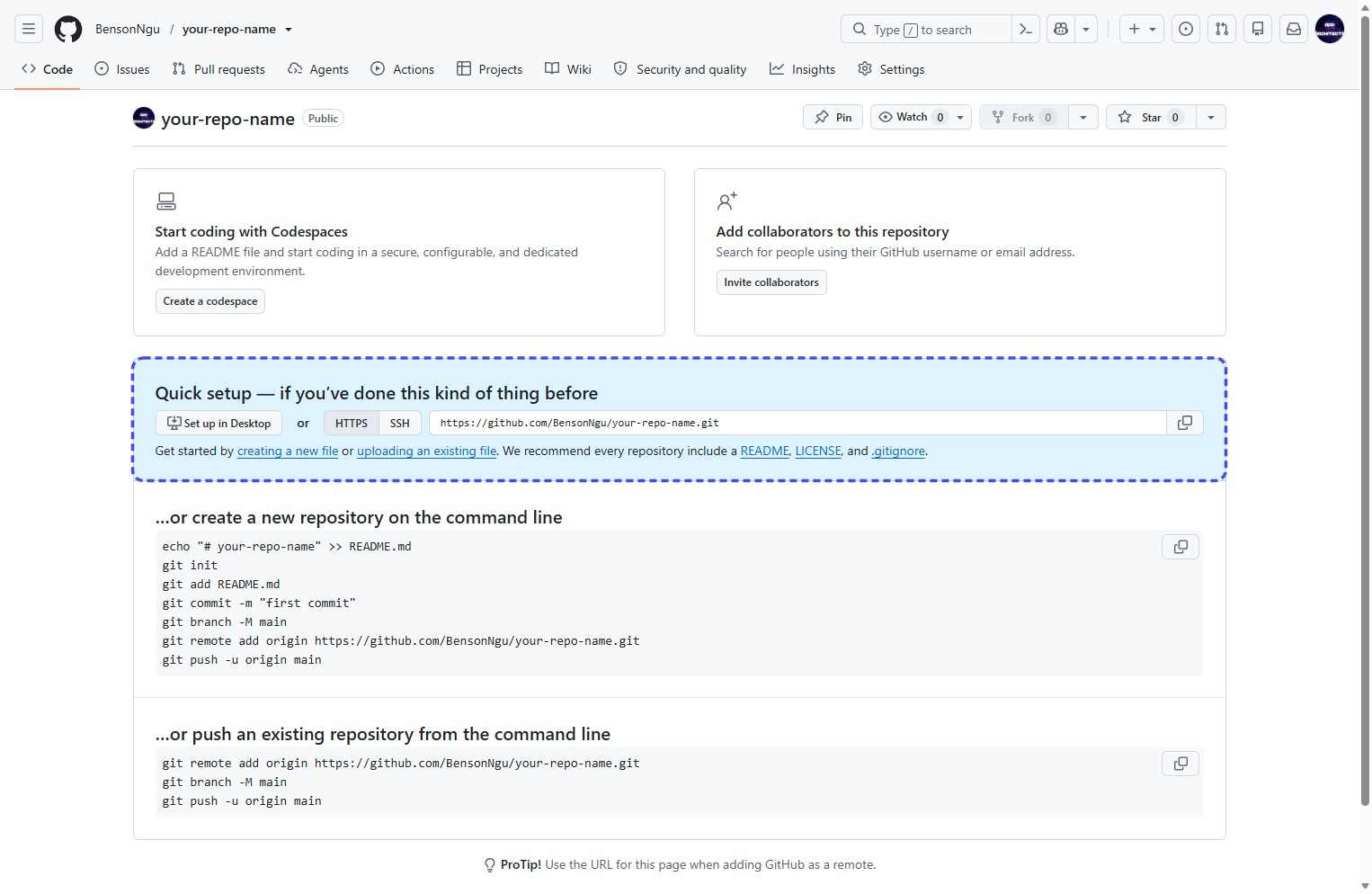
After the repository is created, GitHub will display the repository URL.
7. Copy the Repository URL
Click the Copy button next to the repository URL.
You can now use this URL to connect your local Git repository to the GitHub repository.